
30 Credits
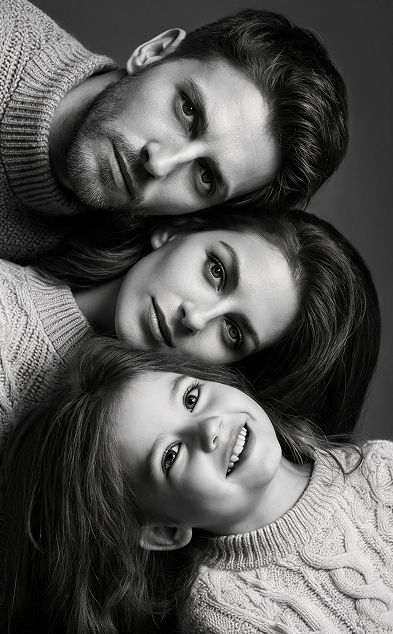 Photo Motion
 Cinematic Shot
 AI Video
Templates first, editing later.
Pixora starts from ready-made AI video effects, so creators can move from photo selection to a queued result without building a timeline from scratch.
3
featured motion styles
30
starter credits
Pro
subscription and top ups