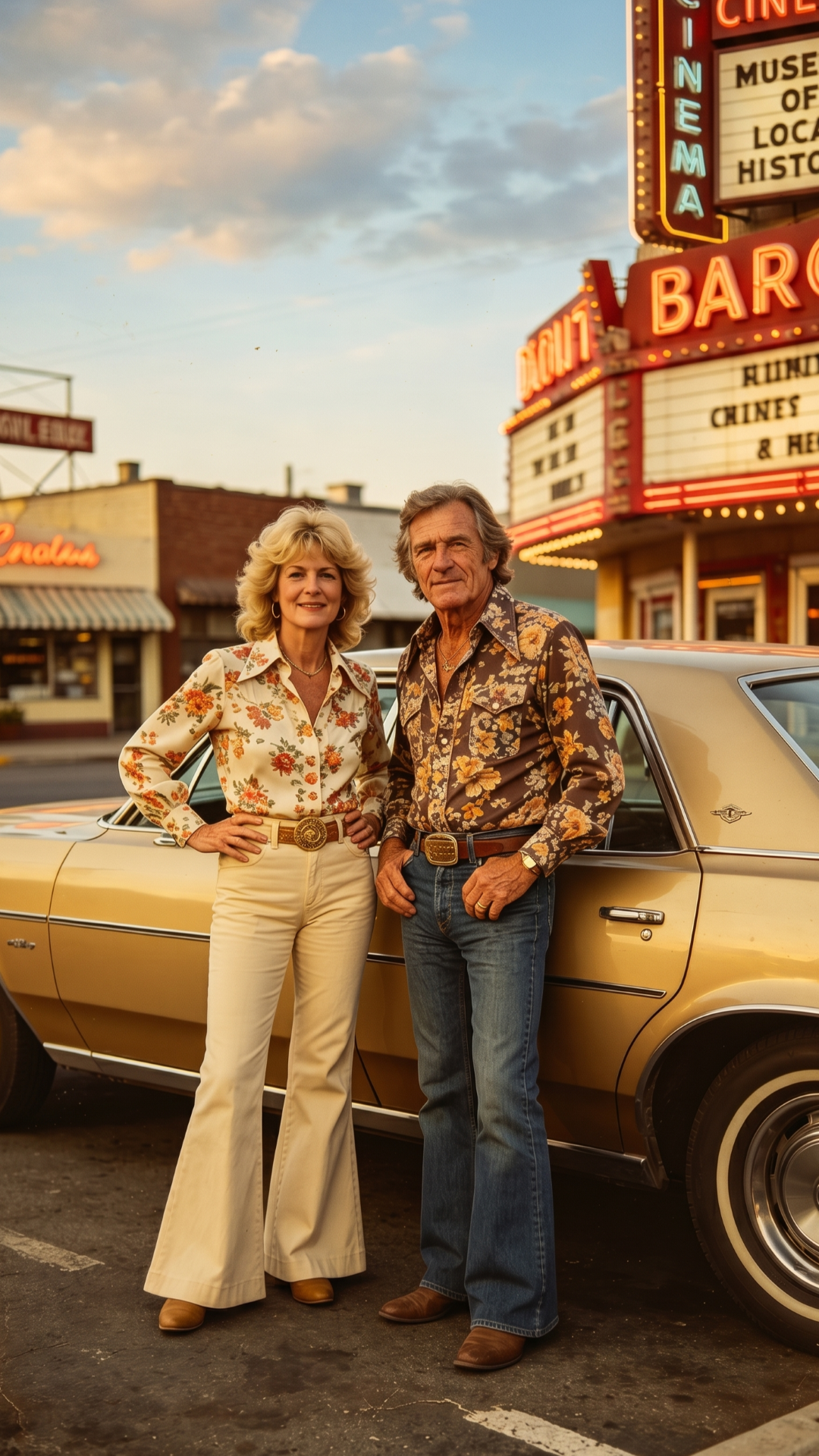
AI VIDEO, MADE PERSONAL
Turn one photo into a video worth sharing.
Choose an AI template, add a photo, and let Movira AI create a polished clip you can save and share — right from your iPhone.
AI Video
Search templates
Featured motion
Portrait
Cinematic
Trending
Creation readyPreview
AI VIDEO SHOWCASE
See what one photo can become.
Explore a few effects available in Movira AI. Pick a template in the app, add your photo, and create your own version.
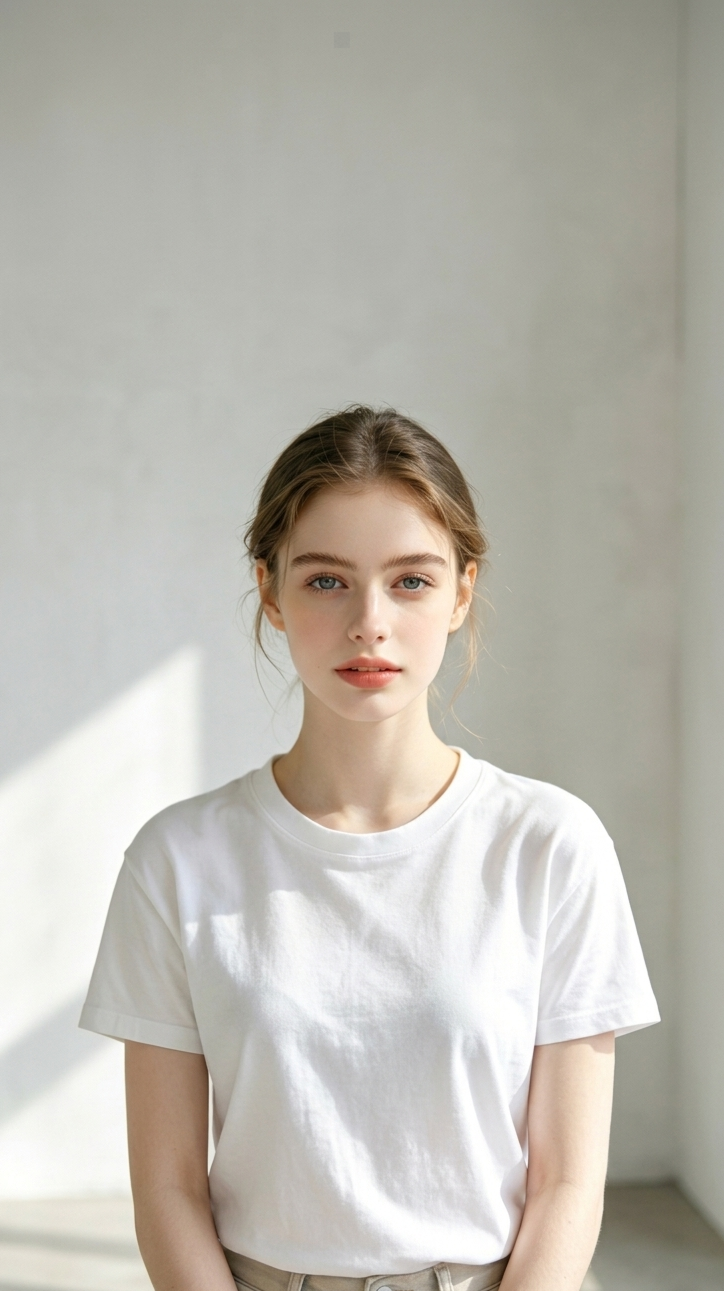
Instant Hair Swap
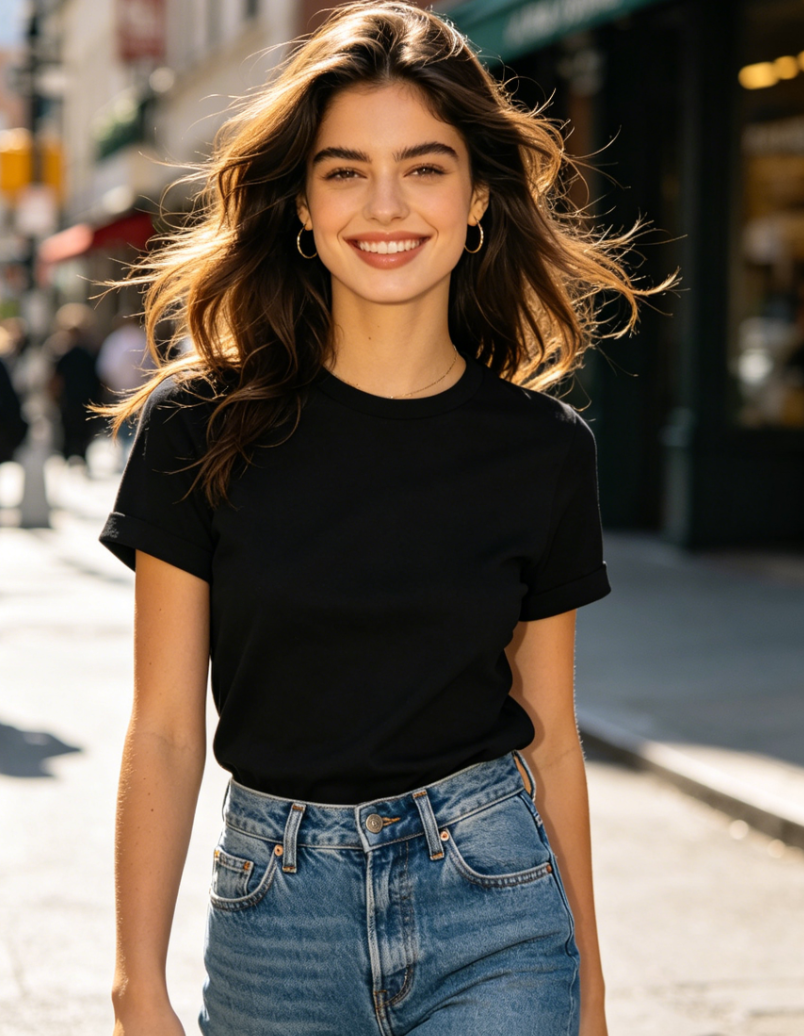
Beat Sync

Mythic Pixie Morph

Funny Pet Belly Dance
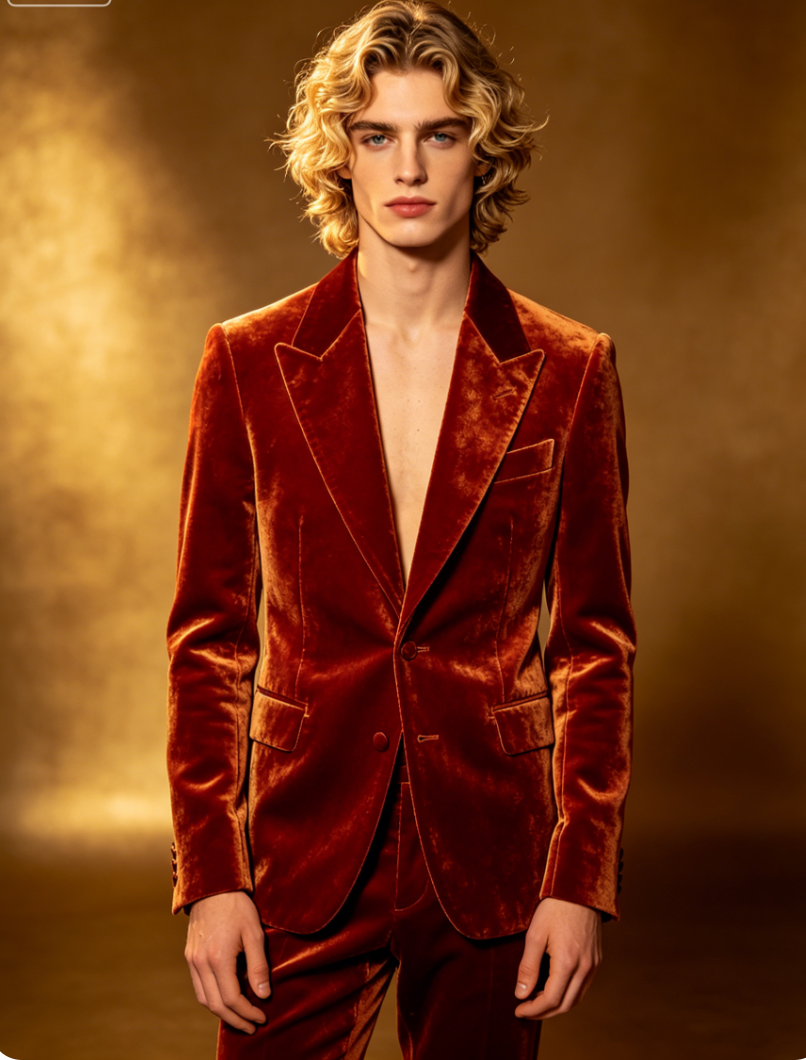
Hypercar Rush
BUILT FOR EFFORTLESS CREATION
Everything you need to keep an idea moving.
Find the right look
Browse categories and search AI video templates without leaving the creative flow.
Keep every creation in view
Follow generation progress and return to your work from Personal.
Ready when inspiration hits
Preview the result on iPhone, save it, and share when you are ready.
Credits and Pro, in app
Choose the in-app option that fits the way you create.
HOW IT WORKS
From a photo to a finished clip in three clear steps.
- 01
Pick a template
Explore styles and choose the motion that fits your idea.
- 02
Add your photo
Select the media you want to use and review it before submitting.
- 03
Create, save, and share
Track the task, preview the finished video, and keep it on your iPhone.
More creator tools
A camera-first option, when you need it.
Need to shoot instead? Movira AI also includes dual-camera recording with picture-in-picture or split-screen layouts and a built-in teleprompter.
PRIVACY & CONTROL
You choose when your media is submitted.
Movira AI explains the AI processing flow before your first submission. You select the media, decide when to continue, and can review the full policy at any time.
Read the Privacy Policy
Make your next photo move.
Discover a template and start creating with Movira AI on iPhone.
Download on the App Store